
Official NoticeBuy only from authorized TOZO channels — beware of imitation websites.
WorldwideFree shipping to 200+ countries and regions.
Global PartnersRetail & distribution programs available for overseas buyers.
Why Choose 360 Spatial Audio Headphones? The answer begins with a small but striking change: sound no longer seems fixed between your ears. A passing car can appear to move across the room, while dialogue stays centered as music opens around it. 360 Spatial Audio Headphones use spatial processing to create this more directional, enveloping presentation. Some models also track head movement, helping sounds remain anchored as you turn. The result depends on the headphones, the audio format, and the quality of the mix. Not every track becomes more immersive.
Dr. Sean Olive, a respected headphone researcher whose work examines listener preferences, offers a useful perspective on sound quality. A fair paraphrase of his research is: “Spatial effects cannot rescue poor tonal balance.” That distinction matters. Good headphones should make voices clear, instruments believable, and long listening sessions comfortable—not merely surround you with effects. Before choosing a pair, check whether your favorite devices and services support its spatial formats. Try familiar recordings, too. A close vocal, a handclap, or a cymbal’s fading ring can reveal whether the presentation feels natural or oddly diffuse. There is a trade-off: head tracking and processing may add convenience, but they can also drain battery life or alter the sound. Sometimes, the effect feels subtle. This guide explores the benefits, limitations, and practical features worth considering, so you can decide whether 360 Spatial Audio Headphones suit your listening habits.
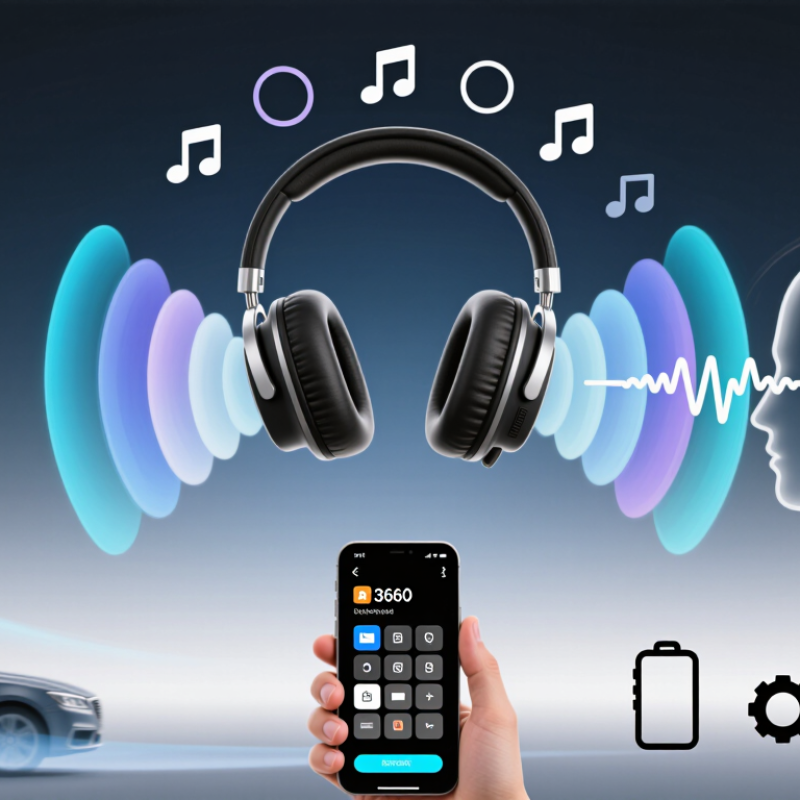
Why Choose 360 Spatial Audio Headphones?
Understanding 360 Spatial Audio Technology
360 spatial audio aims to place sounds around the listener, rather than keeping them fixed between the left and right ears. Headphones create this impression through binaural processing. The system adjusts timing, loudness, and frequency cues to suggest whether a sound comes from ahead, behind, above, or beside you. A footstep might seem to pass behind your left shoulder.
The technology draws on how the head, ears, and outer ear shape incoming sound. These cues are represented by head-related transfer functions, or HRTFs. Results can vary: an HRTF that fits one listener may make another listener’s virtual sounds feel misplaced. Headphone fit, source quality, and room reflections can also affect the illusion. It is not magic.
ITU-R Recommendation BS.2051-3 describes immersive production systems, including layouts with up to 22.2 channels: 22 main channels and two low-frequency effects channels. That figure describes production layouts, not the number of headphone drivers. Headphones use processing to translate spatial cues into a two-ear signal. In a well-mixed scene, a quiet voice may seem to sit several steps away, while a close sound feels more immediate. Yet some mixes still sound flat, and that deserves honest attention. Listening tests matter more than a specification alone.
360 spatial audio headphones create immersion by shaping the sound cues your ears use to locate objects. Small timing and volume differences can make a footstep seem to pass behind you, while a low note feels farther away. Some systems also use head tracking, so the audio perspective shifts slightly as you turn. The effect depends on careful processing. Not magic.
The recording matters just as much. A well-produced scene may place rain overhead, voices at different distances, and a door creak off to one side. With ordinary stereo material, virtual surround processing can add space, but it may not reveal details that were never recorded. A narrow mix can still sound narrow.
Fit also affects the result. A loose seal may weaken bass, and different ear shapes can change how spatial cues are perceived. Try a familiar scene at a comfortable volume, then turn your head slowly. If a voice seems to stay in a stable place, the effect is working for you. If it wanders, adjust the fit or compare another spatial setting. Some mixes feel impressively wide; others sound a little artificial, and that difference is worth noticing.
In music, 360 spatial audio can place a backing vocal to your left or a drum behind the lead singer. The effect depends on the recording and mix; ordinary stereo tracks may sound different, not necessarily better. IFPI’s Engaging with Music 2023 report found that people listened to music for an average of 20.7 hours each week. With that much listening, small differences in space and separation can matter. A carefully mixed track may make instruments easier to distinguish, though some listeners may find the widened sound less natural.
Movies can feel more enveloping when sound moves around the listener. A passing car might sweep from the rear left toward the screen, while dialogue stays anchored near the actors. It is subtle, not magic: headphones, source audio, and playback settings all affect the result.
In games, directional cues may help players notice a teammate calling from behind or footsteps crossing a room. The Entertainment Software Association’s 2024 Essential Facts report says 61% of Americans play video games. That broad audience spans many needs, and spatial audio is no guaranteed competitive edge. A poor mix can still mislead.
Why Choose 360 Spatial Audio Headphones?
Device and Content Compatibility Requirements
A convincing 360-degree sound field depends on more than the headphones. Your phone, computer, operating system, playback app, and audio content must work together. Check whether spatial processing happens on the device or inside the headphones. Head tracking adds another requirement: compatible motion sensors and software support. Bluetooth alone does not guarantee spatial audio; unsupported content may play as ordinary stereo.
The Bluetooth SIG’s 2024 Market Update projects 7.5 billion annual Bluetooth device shipments by 2028. That figure reflects the wider Bluetooth ecosystem, not the number of spatial-audio-ready devices. It is a useful reminder that wireless connection is common, while feature support still varies. Before buying, check the headphone’s supported formats, your device’s audio settings, and the app’s playback options. A small settings toggle can make a noticeable difference.
Content matters, too. Some tracks and films are mixed for immersive playback; others are simply upmixed by software. Try a familiar recording with distinct details, such as a voice centered between instruments or footsteps moving across a scene. Results can vary between apps, even on the same device. Compatibility lists are helpful, but they can be incomplete or change after software updates. Test your actual setup when possible. It is not always elegant, but it is more reliable than trusting a feature label alone.
Device and Content Compatibility Requirements
Spatial headphone playback depends on compatible content and a device or app that can render spatial audio. Stereo headphones can reproduce a binaural render; multichannel layouts shown here are source formats, not the number of headphone drivers. 5.1 and 7.1 refer to six- and eight-channel layouts respectively. Object-based audio can use a variable number of audio objects.
When choosing 360 spatial audio headphones, start with how you plan to use them. Films, games, and music can benefit differently from directional sound. Check whether your usual devices and apps support the audio formats you want. Compatibility matters. A dramatic demo may sound less convincing with ordinary stereo content. Fit is just as important: pressure around the ears can become distracting during a long commute or gaming session. Comfort is easy to overlook.
Consider head tracking, connection options, battery life, and controls. Head tracking can make sounds seem fixed in space as you turn, but some listeners prefer a steadier presentation. Try the effect with familiar audio, not only a store demo. Notice whether dialogue stays clear and whether effects feel natural rather than exaggerated. I would not assume that a higher price guarantees better spatial sound; room, fit, and personal preference all shape the result. That part is subjective.
Tips: Compare headphones at a comfortable volume. Check return terms before buying, and test them with your own device. If possible, listen for ten minutes. Pay attention to ear pressure and whether locating sounds feels helpful or distracting.
They shape timing and volume cues to suggest where sounds are. A footstep may seem to pass behind you. Not magic.
No. Carefully mixed rain, distant voices, or a creaking door can create clearer positions. Ordinary stereo may sound wider, but missing details cannot be restored.
Compatible sensors and software shift the audio perspective as you turn. Some listeners like that effect; others prefer sound that stays steady.
Not always. Your device, operating system, playback app, headphones, and content may all need compatible support. Bluetooth alone is not enough.
Yes. A loose seal can weaken bass, and ear shape can affect spatial cues. Fit matters.
Play a familiar scene with clear voices or moving footsteps. Keep the volume comfortable, then turn your head slowly. Try another setting if sounds wander.
Check device and app support, comfort, head tracking, connection options, battery life, and controls. A higher price does not guarantee better spatial sound.
If possible, listen for ten minutes using your own device. Notice ear pressure and whether locating sounds feels helpful or distracting. I would still check the return terms.
360 Spatial Audio Headphones use advanced audio processing to create a sense of space and direction around the listener. Rather than making sound seem to come from only the left or right, this technology can position audio at different points in a three-dimensional sound field. The result is a more immersive experience, with music, dialogue, and effects that feel more lifelike and engaging.
These headphones can enhance music by adding depth, make movies feel more enveloping, and help gaming audio feel more spatially clear. Before choosing a pair, check that your devices and preferred content support the required spatial audio formats and features. Consider comfort, sound quality, battery life, connectivity, controls, and how well the headphones perform with the types of media you enjoy. The right choice depends on both your listening habits and the compatibility of your devices.